ThinkPads dominate the used market for a reason. Corporations bought them by the thousand, they were built to be repaired, and spare parts are everywhere. For a student typing notes six hours a day, a used ThinkPad keyboard is worth more than any spec on a new budget laptop's box.
But "ThinkPad" is not one product. It's twenty years of models across four or five lines, and the difference between a good buy and a bad one is specific. Here's what I actually recommend across the counter.
The lines, briefly
- T series (T460, T470, T480...) — the mainstream workhorse. 14-inch, good keyboard, user-replaceable parts, often two RAM slots. This is the one to buy.
- X series (X260, X270...) — 12.5-inch, very light, great if you carry it daily. Small screen strains eyes for long PDF reading.
- L series (L470, L480...) — the budget line. Cheaper, slightly worse build, still perfectly fine. Good value if the price gap is real.
- E series — the cheapest. Feels closer to a consumer laptop. Less compelling used, since the build advantage largely disappears.
- P series — mobile workstations, heavy, expensive, aimed at CAD and rendering. Overkill for exam prep.
The sweet spot in 2026
The T470 and T480 sit in the sweet spot because they're new enough to run Windows 11 comfortably, old enough to have fallen to student prices, and both have two RAM slots plus an M.2 slot — meaning you can upgrade them cheaply later. The T480 also has the dual-battery design (internal plus a removable external), which is genuinely useful.
Prices swing wildly by shop and by condition. Wazirpur street prices for a T470 with i5-7th gen, 8GB, 256GB SSD typically land ₹17,000–21,000 depending on cosmetic condition and screen type. Touch variants command a premium that isn't worth paying for study use.
Model-specific things to check
- Screen type. Many T-series shipped with a poor 1366×768 TN panel. Get the 1080p IPS version. Look at it from an angle — if colours wash out badly, it's the TN panel. This is the single most common regret.
- Keyboard wear. Corporate machines get typed on. Check that the letters aren't rubbed off and that every key registers. Replacements exist and are cheap, but factor the cost.
- Hinge and palm rest. Press the palm rest — flex means a broken internal mount. Open the lid slowly and listen.
- Docking port pins. On T-series, look at the bottom docking connector. Bent pins suggest rough handling.
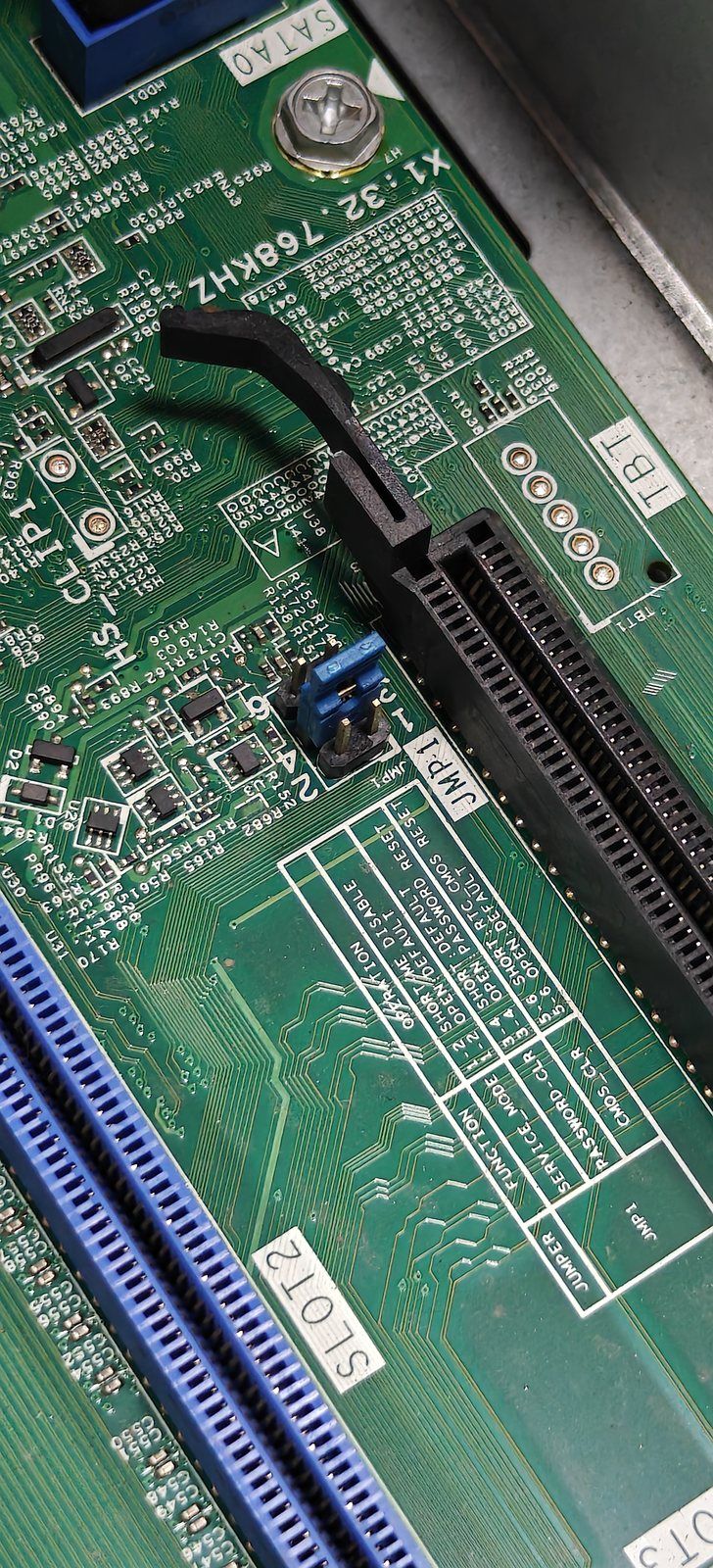
- BIOS supervisor password. This one catches people. Some ex-corporate machines have a locked BIOS. Boot into BIOS (F1 at startup) and confirm you can enter it freely. A locked BIOS on a ThinkPad is effectively unfixable without replacing the board — walk away.
- The usual two. Run the SSD health check and the battery report. Non-negotiable on any used machine.
Why not just buy new at the same price?
Fair question. At ₹20,000 new you get a current-generation i3 with a warranty, a fresh battery, and a plasticky body with a mediocre keyboard. At ₹20,000 used you get a T470: better keyboard, better screen (if you pick the IPS), a body that survives being carried in a crowded bus, and easy upgrades — but an older processor, a worn battery, and a shop warranty at best.
Neither is wrong. If you can inspect the machine and you type a lot, the ThinkPad wins on daily experience. If you can't inspect it, or you live far from any repair market, take the warranty and buy new. I've written the full comparison here.
One last thing. The BIOS password check takes thirty seconds and saves people from an unusable laptop. Almost nobody does it. Do it.