Every week students ask us the same question: "Bhaiya, exam ki taiyari ke liye kaunsa laptop lu?" And every week I see the same mistake — students paying extra for a gaming-style laptop with a weak processor, or buying the cheapest machine with an HDD that will make them wait 3 minutes just to open a mock test.
Here's the truth: exam prep is one of the lightest workloads a laptop can do. You need to run a browser with mock tests (Testbook, Oliveboard, Adda247), watch video classes, read PDFs, and maybe type notes. That's it. You don't need a graphics card. You don't need a "gaming" laptop. What you need is speed in the right places.
The only three specs that matter
1. SSD over everything. A laptop with an old i5 and an SSD will feel faster than a brand-new i7 with a hard disk. The SSD affects everything you feel: boot time, opening Chrome, loading a 200-page PDF, switching between the mock test and your notes. If a laptop under ₹30,000 comes with an HDD, walk away. In 2026 there is no excuse.
2. 8GB RAM minimum. Mock test platforms run in the browser, and browsers eat RAM. With 4GB, the moment you have the test open in one tab, the solution video in another, and Telegram on the side, the laptop starts choking. 8GB gives you breathing room for the full 3-hour mock without lag.
3. Processor: don't be fooled by "i5" alone. An i5 from 2015 (5th gen) is slower than an i3 from 2021 (11th gen). The generation matters more than the i3/i5 label. In the box or listing, look at the model number: i3-1115G4 means 11th generation. First two digits after "i3-" tell you the generation. For AMD, Ryzen 3 5300U or newer is solid.
What you can safely ignore
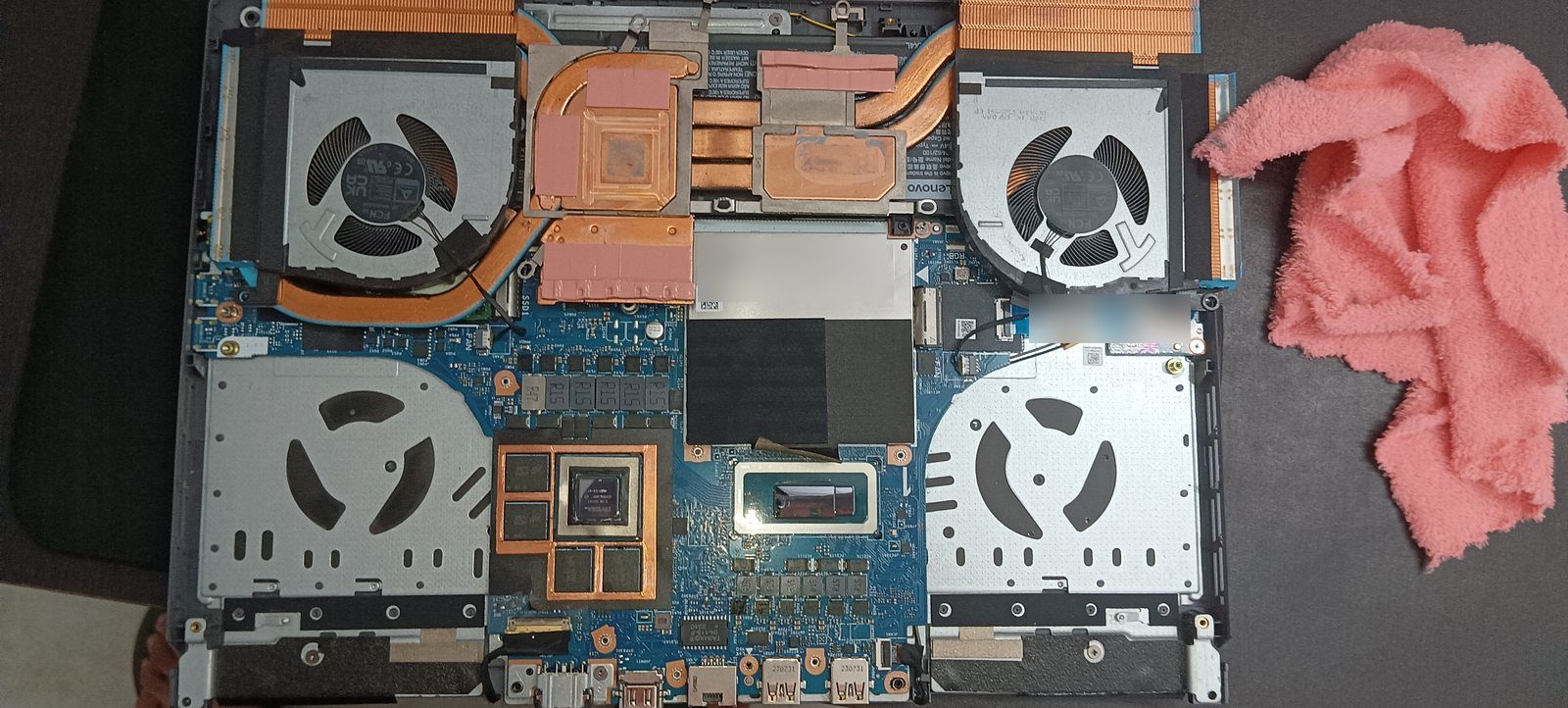
- Dedicated graphics card — useless for exam prep, adds ₹8,000–15,000 to the price and reduces battery life.
- Touchscreen — nice to have, but never pay extra for it in this budget.
- "Backlit keyboard", "metal body" — cosmetic. Put that money into RAM or SSD size instead.
New vs used at this budget
At ₹25,000–30,000 you're choosing between a new entry-level laptop (usually i3, 8GB, 512GB SSD from Lenovo/HP/Acer/ASUS) and a used business laptop (like a ThinkPad or Dell Latitude with an older i5, often better build quality). Both are valid choices — I've written a full comparison in the new vs used guide. Short version: if you're not comfortable checking a used machine yourself, buy new with a warranty and sleep peacefully.
Quick checklist before you pay
- Confirm SSD, not HDD (check the listing spec sheet carefully — some budget models still ship "1TB HDD" as if it's a feature).
- Confirm 8GB RAM, and if possible, that RAM is upgradeable later.
- Check processor generation, not just i3/i5.
- Screen: 1080p (Full HD) is worth it if the price difference is under ₹2,000. Reading small PDF text on a 768p screen for 6 hours a day strains eyes.
- Battery claims of "up to 8 hours" mean 4–5 hours in real use. Plan accordingly.
If you keep these rules, almost any laptop from a known brand under ₹30,000 will comfortably last your entire preparation journey — and your first job after selection too.